 Contract Repository
 Reporting and Alerts
 Search and Review
 Contract Drafting
 Automated Approvals
 Collaborative Editor
 Electronic Signature
 Security
 End-to-End CLM
 See How We Compare
 Legal
Legal
 Finance
 HR
HR
 Sales
Sales
 Healthcare
 Technology
 Manufacturing
 Government
 Nonprofit
%201.svg) Hospitality
Hospitality
 Resource Library
 Case Studies
 Blog
Blog






Take Control of Every Contract
Store, organize, search, and track every agreement in one secure repository. AI-powered tagging and automated reminders help your team stay ahead of critical dates.
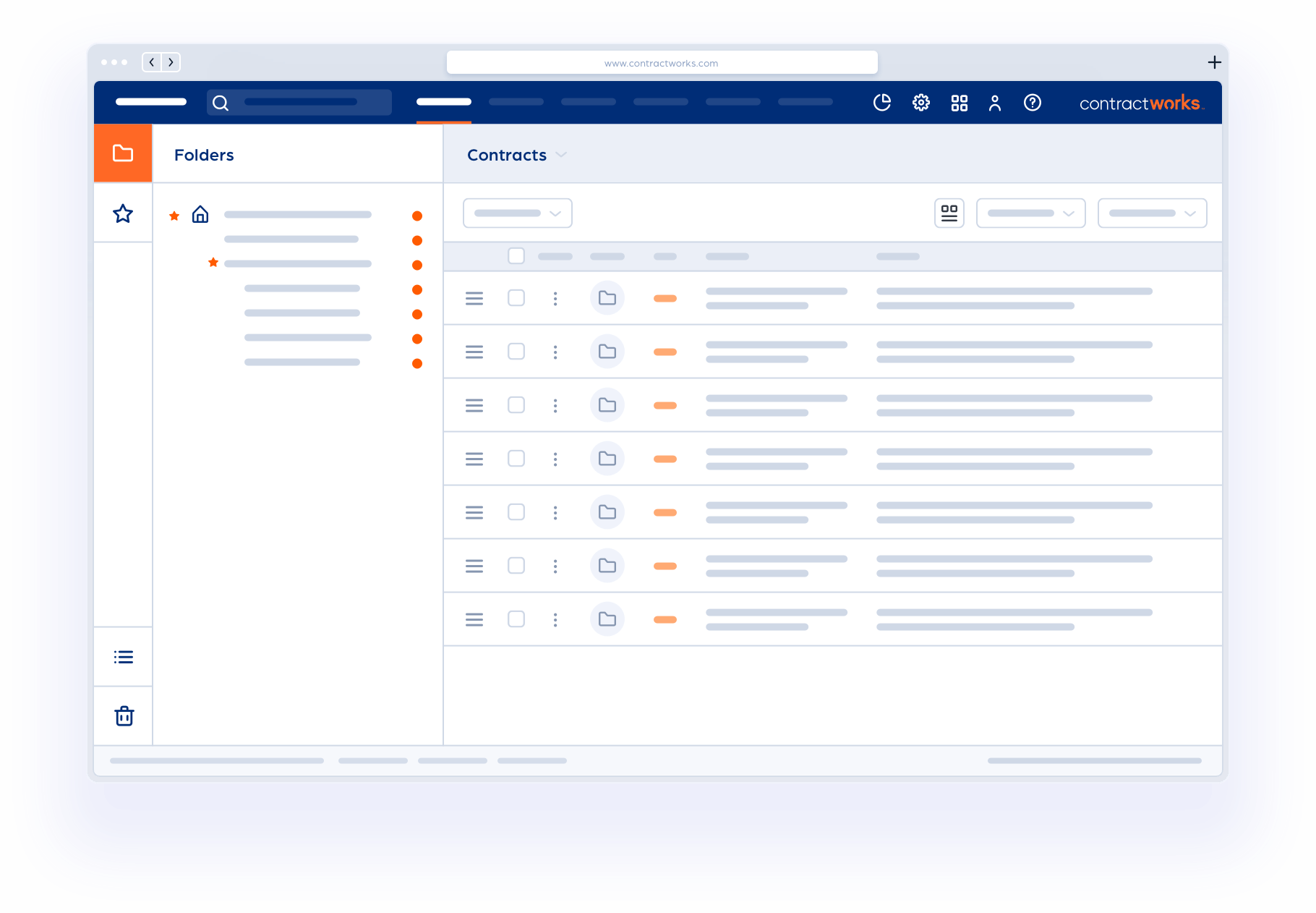

AI-Powered Search
Find the information you need in one click

Start in minutes
Drag and drop your documents and go

Unlimited Users
Invite your entire team

SOC 2 Type II Secure
Keep your contracts organized and secure
Transforming contract management for companies worldwide





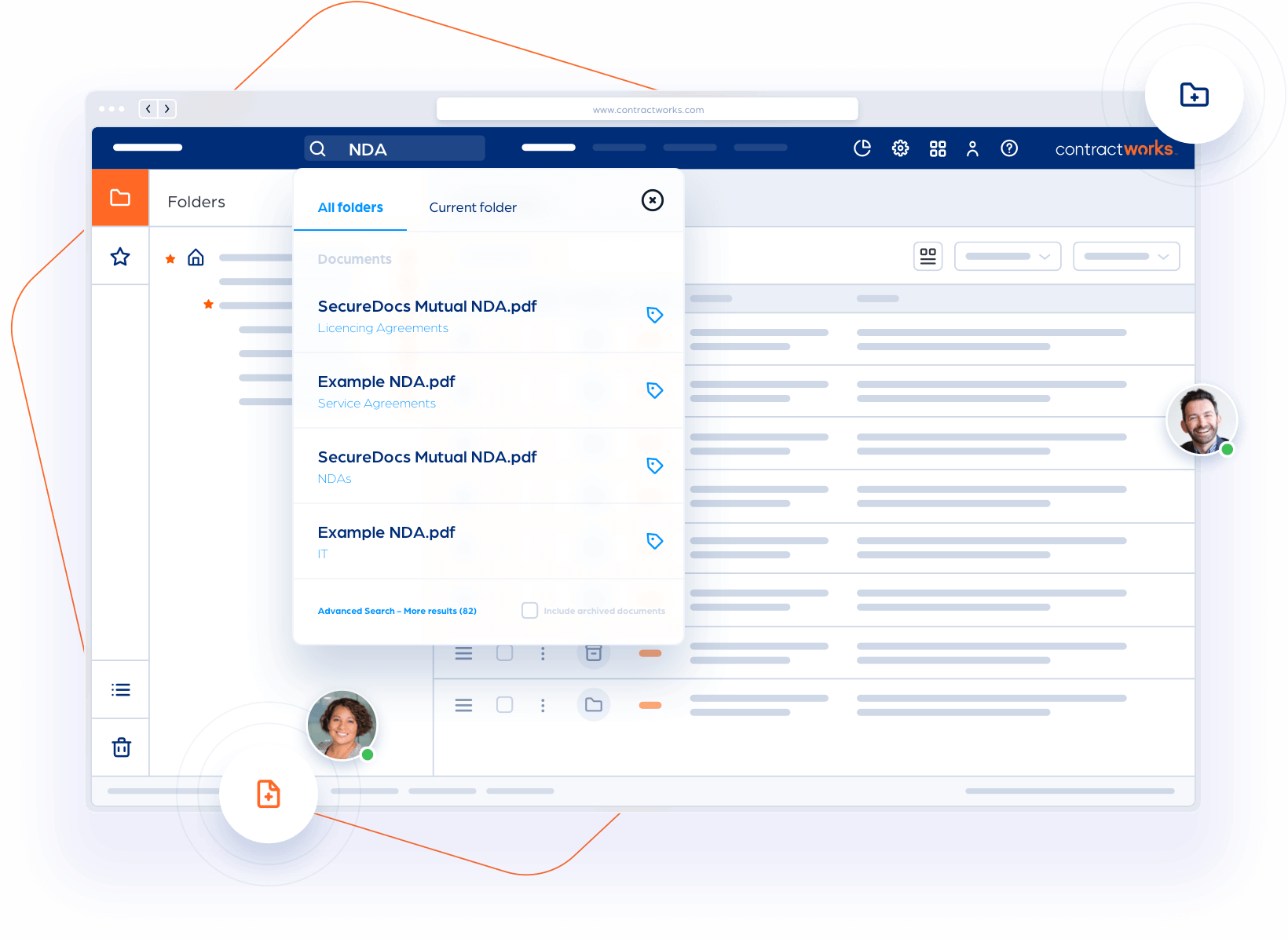
One System, Access From Anywhere
Bring every contract together
Stop digging through shared drives and inboxes. Store every agreement in one secure, searchable repository that's easy for your whole team to use.

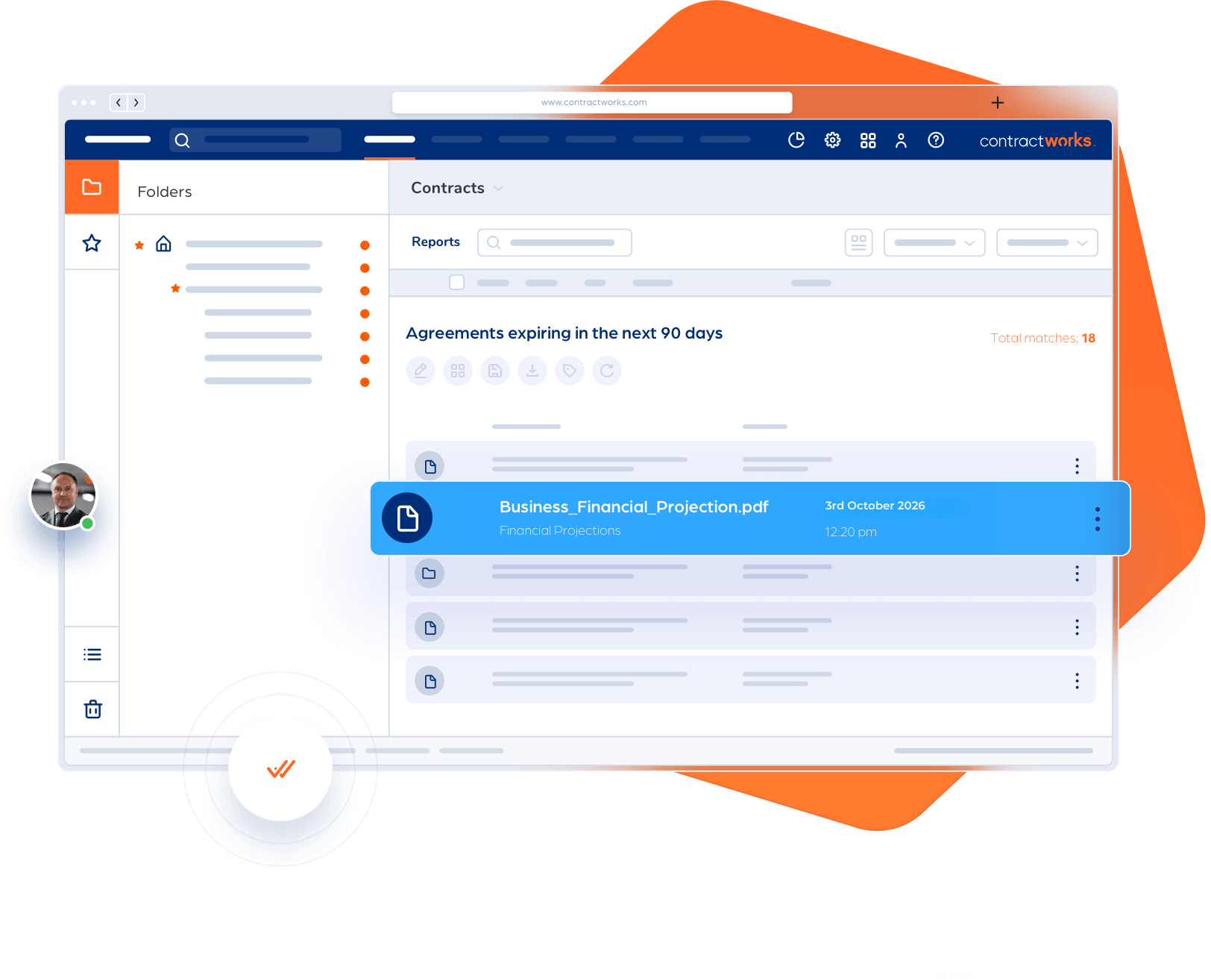
Contract Visibility
Stay ahead of every renewal and deadline
Stop digging through shared drives and inboxes. Store every agreement in one secure, searchable repository that's easy for your whole team to use.
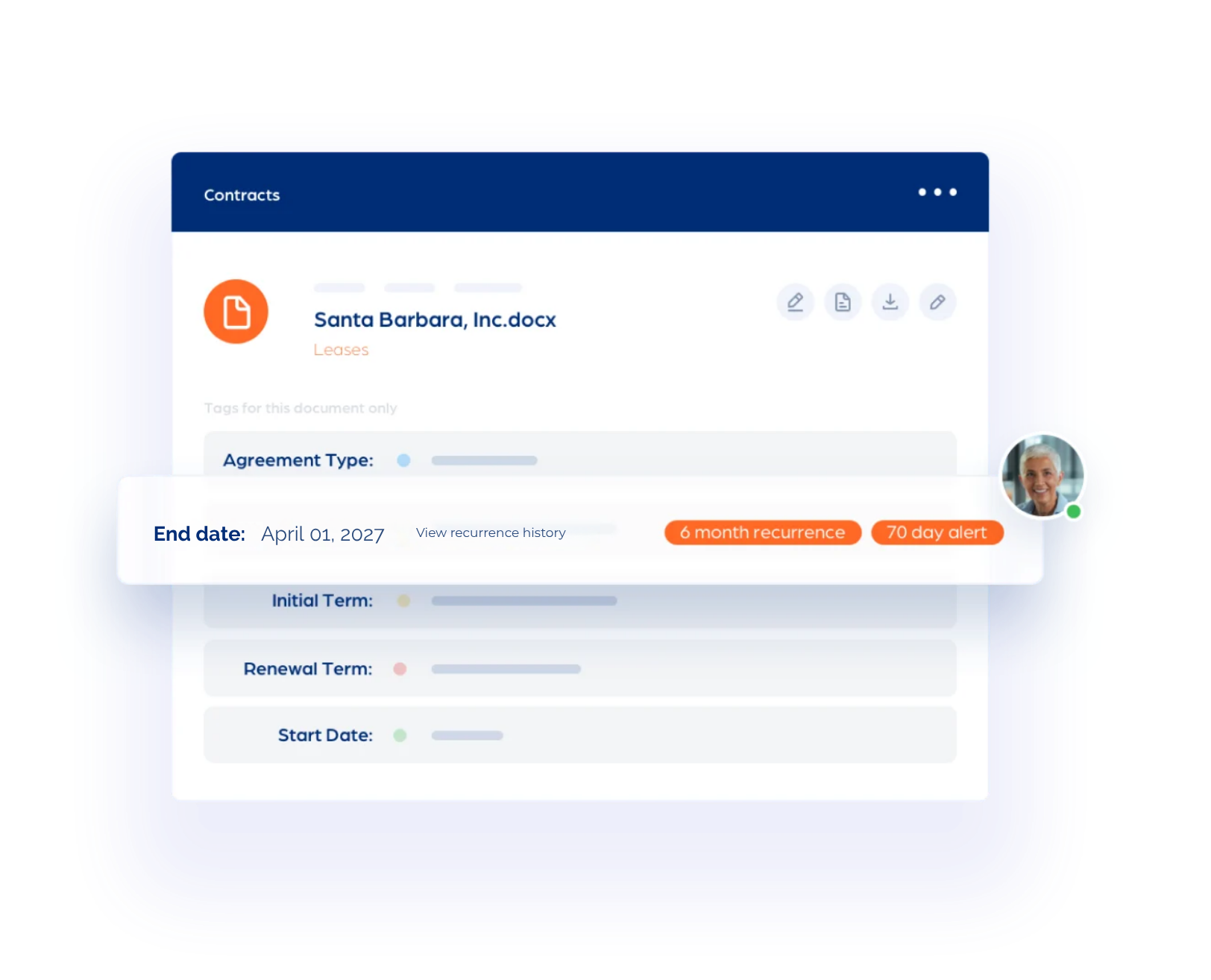
Smart Contract Generation
Put AI to work from the first upload
AI automatically identifies key contract details like agreement type, parties, effective dates, renewal terms, and notice windows so your contracts stay organized from day one.
Why ContractWorks?
Everything you need to take control of your contracts


Start in Minutes
See the difference with your own contracts
Try ContractWorks with a 14-day free trial and see the power of centralized contract repository.
“I have been especially impressed with the intuitive and easy-to-use interface which makes it easy to train new staff. ContractWorks has delivered the value proposition that we were seeking.”
.webp)
“Not only is ContractWorks fairly priced, but their system is user-friendly and continues to evolve, becoming more robust in its offerings.”

“Implementation was easy with ContractWorks. I had a ton of PDFs and I was able to just drag and drop them into the system. I just ran a report and found that so far this year I’ve implemented over 1,200 contracts.”
ContractWorks:
A secure, AI-powered contract repository for teams that need simple, effective contract management
FEATURES:
- AI-powered document tagging
- Secure contract repository
- Drag & Drop upload
- Custom reports & dashboards
- Automated alerts
- Built-in eSignature
- Highlights & annotations

ContractWorks Premium:
Everything in Standard, plus drafting, negotiation, workflow automation, and advanced contract lifecycle management
FEATURES:
- Contract drafting & templates
- Clause library & redlining
- Approval workflows
- Real-time collaboration
- Automated renewals & obligations
- Unlimited reports & metadata
- Advanced workflow automation
FAQs
What is ContractWorks?


ContractWorks is cloud-based contract management software from Onit that stores, organizes, searches, signs, and tracks contracts in one secure repository. Every plan includes AI-powered tagging, automated key-date alerts, custom reporting, built-in eSignature, and unlimited users.
Teams use ContractWorks to manage vendor contracts, customer agreements, and NDAs, and to monitor renewals and other deadlines. The platform is SOC 2 Type II compliant and offers a 14-day free trial.
ContractWorks comes in two packages. Repository covers storing, finding, signing, and tracking existing agreements. Premium adds contract drafting, templates, collaborative redlining, clause management, and approval workflows for teams that want full contract lifecycle management (CLM).
Who is ContractWorks built for?
ContractWorks is built for legal teams, contract managers, and business stakeholders who need to organize agreements and track key contract dates. It suits organizations replacing scattered inboxes, shared drives, and spreadsheets with one searchable contract repository.
Legal operations can organize executed agreements, procurement can track supplier renewals, and finance can find the contract terms needed for planning. Permission-based user roles control who can see sensitive documents. Every ContractWorks plan includes unlimited users, so you can give access to every department without per-seat fees.
What is a contract repository, and do I need one?
A contract repository is a central, searchable system for storing contracts and the data attached to them, such as counterparties, owners, effective dates, and renewal deadlines. Unlike basic file storage, it adds full-text search, custom fields and tags, access controls, and automated date alerts.
You likely need one if your team struggles to find signed agreements, depends on one person to track deadlines, or can’t easily see upcoming renewals. A well-organized shared drive may be enough for a small, simple contract portfolio. A dedicated repository pays off as contract volume, reporting needs, and the number of stakeholders grow.
How fast can I get started with ContractWorks?
You can start in minutes. Create an account, drag and drop your contracts into ContractWorks, and your agreements are stored, searchable, and ready to track. Guided setup and a 14-day free trial let you see results with your own contracts before you commit.
Here is how most teams get going:
- Upload: Drag and drop your agreements, including scanned PDFs. OCR makes them searchable.
- Tag: AI-powered tagging identifies key details like agreement type, parties, effective dates, and renewal terms.
- Set alerts: Configure key-date alerts so renewals and notice windows never slip through.
- Invite your team: Add unlimited users and assign permission-based roles.
Teams adding drafting and approval workflows with ContractWorks Premium get template automation and onboarding through a dedicated implementation process.
How is ContractWorks different from ContractSafe?
ContractWorks is the faster, simpler way to take control of your contracts. You can start in minutes with drag-and-drop upload, and you get AI-powered tagging, automated key-date alerts, built-in eSignature, and 24/7 support. ContractSafe also offers a searchable repository and unlimited users, but ContractWorks is built to get teams organized quickly without a long rollout.
Here is what sets ContractWorks apart:
- Built-in eSignature: Send, sign, and automatically file agreements without leaving the platform. Recipients never need a license or login to sign.
- AI from the first upload: AI-powered tagging identifies agreement types, parties, effective dates, renewal terms, and notice windows, so contracts stay organized from day one.
- Unlimited users on every plan: Give legal, finance, procurement, and sales access without per-seat fees.
- 24/7 support: ContractWorks support is available around the clock at no extra cost. ContractSafe lists 24/5 support.
- Room to grow: Start with the repository, then move to ContractWorks Premium for drafting, redlining, and approval workflows. You never have to switch platforms.
To see the difference for yourself, start a 14-day free trial and upload your own contracts.